
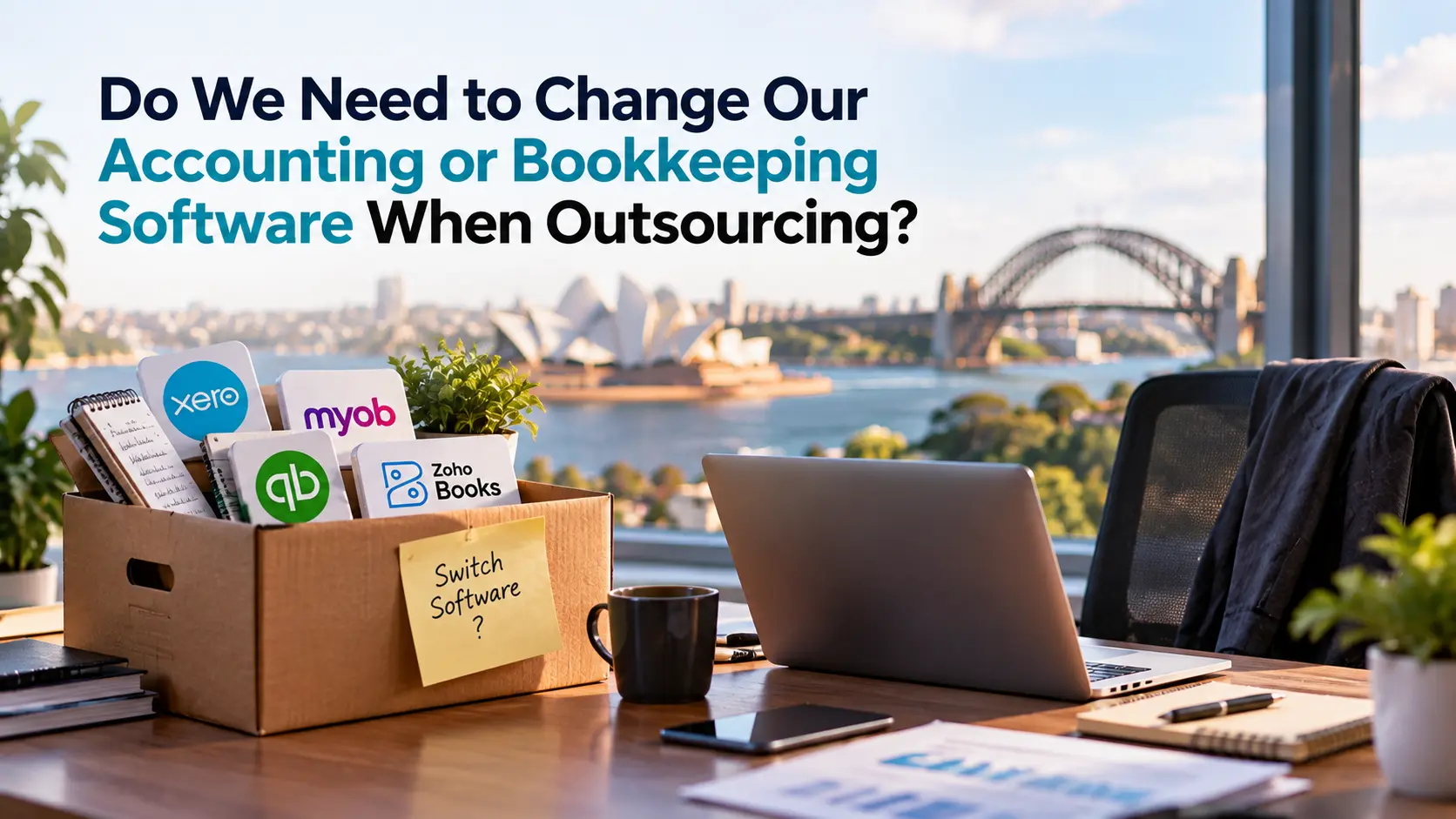
You’ve already built your accounting around Xero, MYOB, QuickBooks, Zoho Books or another system. If you outsource, do you really need to move everything again?
Usually, no. Outsourcing should not automatically mean changing your accounting or bookkeeping software.
The better question is:
Can your current software securely support an outsourced team without disrupting your workflows, integrations or control?
For most Australian businesses and accounting firms, the answer depends less on the software brand and more on how the system is configured, how access is controlled and how work moves between the internal and outsourced teams.
Can We Keep Our Existing Accounting Software When Outsourcing?
In most cases, yes.
Modern accounting platforms are designed to support multiple users and external advisers. Xero allows businesses to invite users and assign individual permissions; MYOB supports user and adviser access with role-based permissions; QuickBooks Online lets businesses invite accounting firms; and Zoho Books supports users, roles and approval workflows.
That means outsourcing does not automatically require moving historical transactions, reconnecting bank feeds or retraining your team on another platform.
The current setup still needs to be fit for purpose. It should support individual user access, appropriate permissions, secure remote use, existing integrations and clear approval and review points.
Accounting Gurus follows the same principle: where the existing platform and workflow already work, the resource can work within that environment rather than treating software migration as a prerequisite for outsourcing. AGs currently supports platforms including Xero, MYOB, QuickBooks, Sage, Reckon and other cloud-based accounting systems for accounting outsourcing services.
If the software is working, move the work — not the whole accounting system.
What Needs to Be in Place Before an Outsourced Team Gets Access?
Keeping the software is only useful if access can be provided without weakening control.
Before onboarding an outsourced accountant or bookkeeper, make sure the system can support individual accounts rather than shared credentials, permissions limited to the work being performed, clear approval authority, activity history or audit visibility, and prompt removal of access when the engagement changes.
The principle is straightforward:
Give the right person the right access for the right work.
This is especially important for accounting firms handling client information. TPB guidance on outsourcing and offshoring requires practitioners to consider matters including confidentiality, supervision, due diligence and how client information is handled when work is performed by third parties or offshore.
What Changes If the Software Stays the Same?
The platform may stay exactly where it is.
The workflow usually does not.
Someone new is now completing part of the process, so the firm or business needs to define who prepares the work, who reviews it, who approves it, what gets escalated and how exceptions move back to the Australian team.
This is where many outsourcing transitions go wrong. The provider may technically know Xero or MYOB, but that does not mean they automatically understand your chart of accounts, approval rules, month-end process, client file structure or review expectations.
That creates an important distinction:
Software compatibility is not the same as workflow compatibility.
Outsourcing may not require a software migration, but it does require a workflow transition.
When Should We Actually Change Our Accounting or Bookkeeping Software?
Outsourcing by itself is not a good reason to migrate.
A software change becomes worth considering when the platform itself is making the new workflow harder, slower or less controlled.
| Situation | Better Decision |
| Current software already supports secure users, permissions, integrations and reporting | Keep it |
| Software is capable, but permissions, integrations or workflows are poorly configured | Optimise it |
| Platform cannot support the access, controls, reporting or workflow the business now requires | Consider changing it |
Migration may become reasonable when remote access requires awkward workarounds, users cannot be restricted appropriately, activity is difficult to trace, data is repeatedly exported and re-entered, essential integrations no longer work, or the business has genuinely outgrown the platform.
The timing matters too.
Changing accounting software and onboarding an outsourced team simultaneously creates two operational changes at once. If migration is necessary, decide who will manage the data conversion, opening balances, integrations, user permissions, testing and reconciliation before the switch occurs.
Keep the software when it works. Fix the setup when the process is broken. Migrate only when the platform itself has become the constraint.
Is It Safe to Give an Outsourced Team Access to Our Accounting Software?
It can be, provided access is deliberately controlled.
The main risk is not simply that another person is offshore. It is unnecessary access, shared credentials, weak approval controls or poor visibility over activity.
A sound setup should use individual accounts, role-based permissions, MFA where supported, separation between preparation and approval, controlled document transfer and prompt offboarding.
The major accounting platforms themselves provide mechanisms for this. Xero supports individual user permissions, while MYOB explicitly allows businesses to limit users to specific areas of the file and remove access when required.
Where the Privacy Act applies, APP 11 requires APP entities to take reasonable technical and organisational steps to protect personal information from misuse, loss, unauthorised access, modification or disclosure. Importantly, outsourcing information handling to a third party does not necessarily mean the Australian entity stops “holding” that information for privacy purposes.
For a deeper offshore-access review, the security question is therefore not:
“Is someone overseas accessing our software?”
It is:
“Can we control exactly what they can access, monitor what they do and remove that access when it is no longer needed?”
What Should We Ask an Outsourcing Provider About Our Software?
Do not settle for:
“Yes, we work with Xero.”
You need to understand how the provider will work inside your environment.
Before signing, ask whether your books will remain in the current platform, whether migration or file conversion is required, how individual access will be configured, whether the provider can follow your existing approval and review process, how integrations are handled, and what happens to access if the engagement ends.
One particularly useful question is:
“Show us how our current workflow would operate once your team is added.”
That forces the discussion beyond software logos.
A provider may know the platform perfectly and still be a poor fit for the way your firm or business actually operates.
The stronger answer is:
“We can work inside your existing environment, and here is how access, ownership, review and exceptions will work.”
Keep the Software. Change Who Carries the Work.
If your current system already works, outsourcing should not begin with a migration project.
Start by deciding which work should leave your team, what access that work requires and where review should stay.
That is where Accounting Gurus becomes useful: the conversation can begin with the accounting environment you already have, rather than with replacing it.
You may not need new software. You may just need fewer bookkeeping and accounting tasks sitting with the wrong people.
Before changing platforms, ask one final question:
Is the software holding us back, or is the workload simply sitting in the wrong place?